
One connected way to run the work.
EBPARP is GRAR Digital’s business operating system for connecting quotations, production, inventory, quality controls and fulfillment. Tasks, documents, people and decisions stay connected through daily operations.
Every part of the operation,
in context.
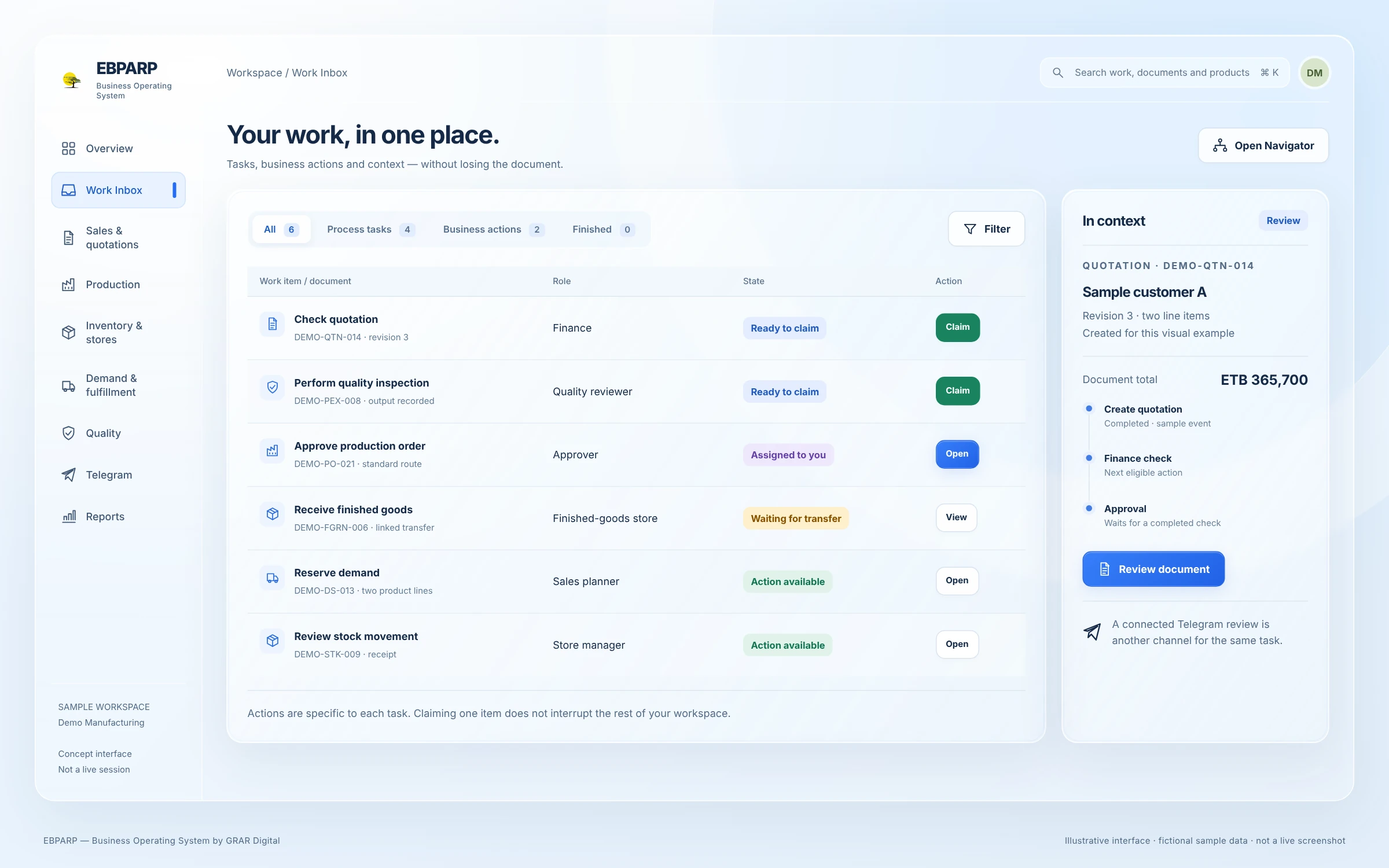
Unified Work Inbox
One place to review tasks, process actions, business actions and completed work.
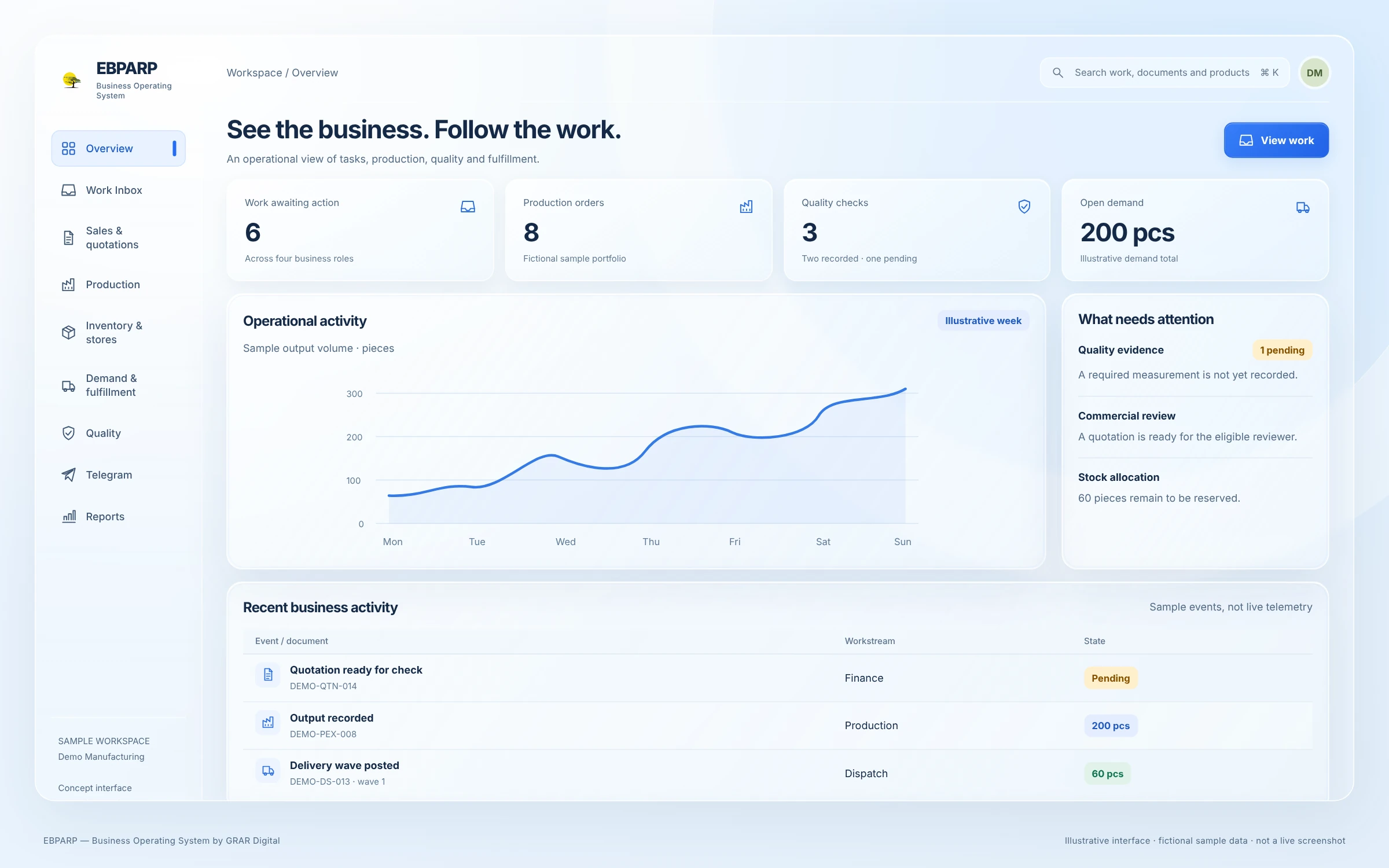
Executive visibility
Understand operational activity without separating business context from the job.
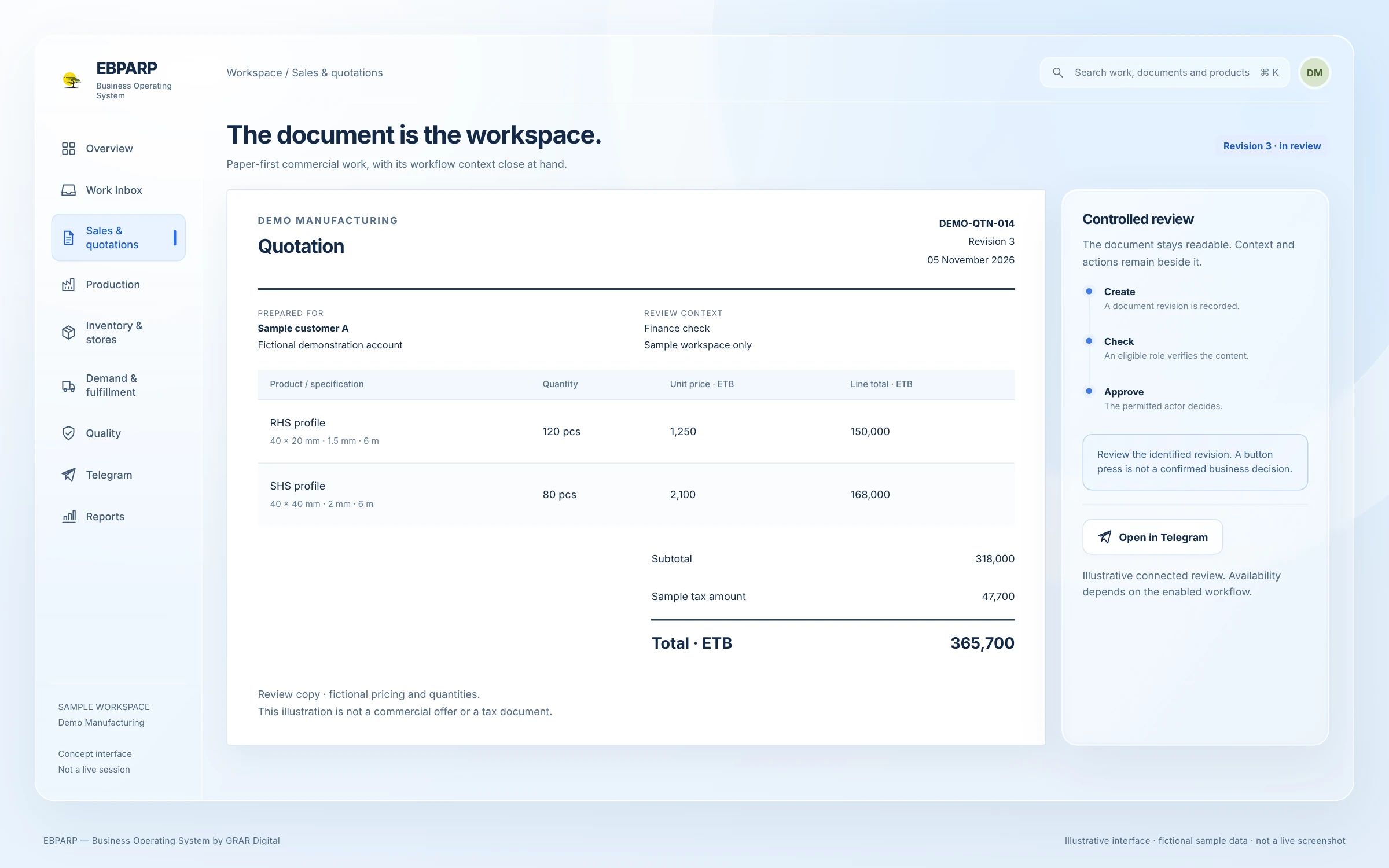
Sales & quotations
Create, review, approve and revise commercial documents through governed roles.
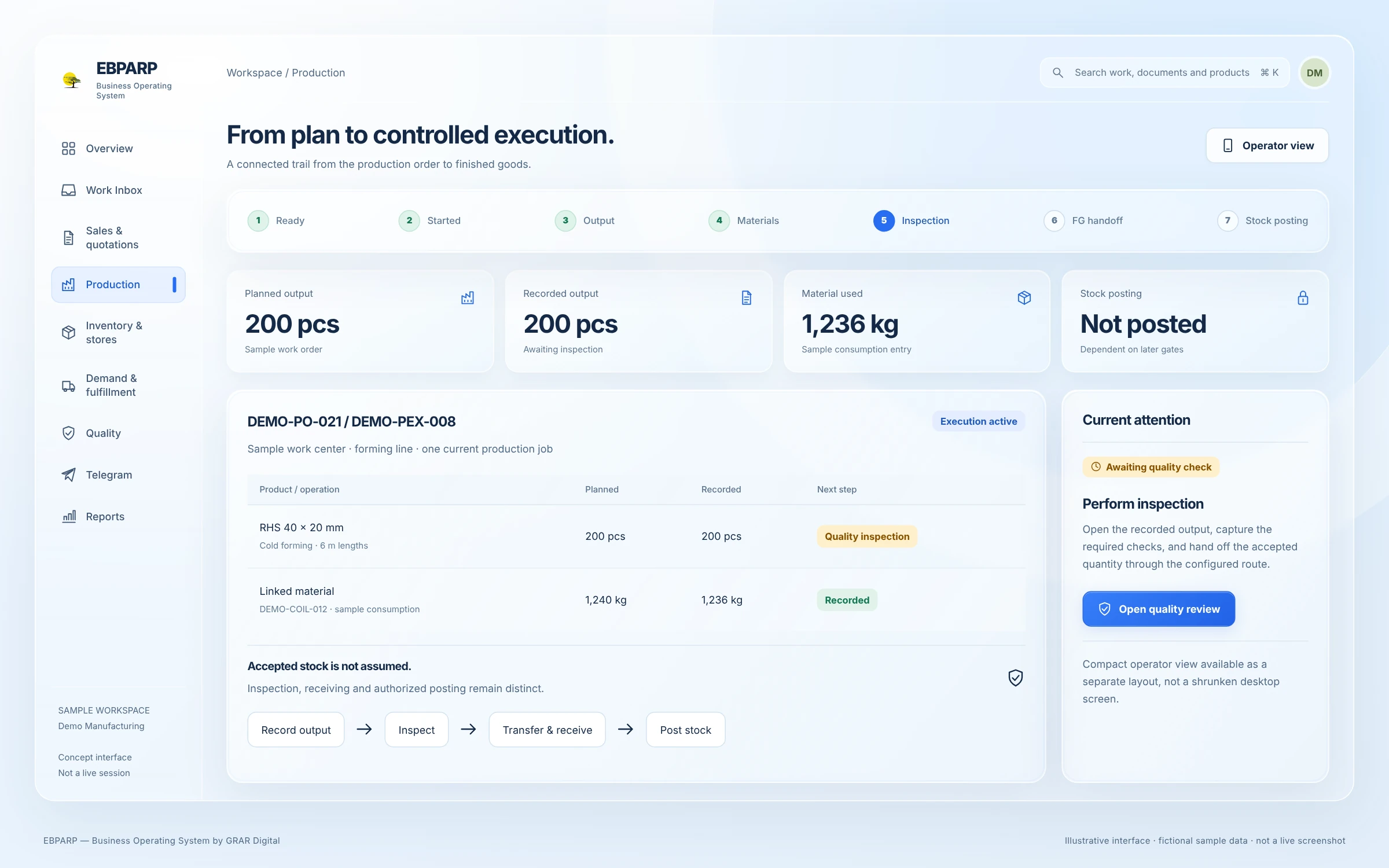
Production management
Coordinate production orders, output, materials, inspections and finished goods handoff.
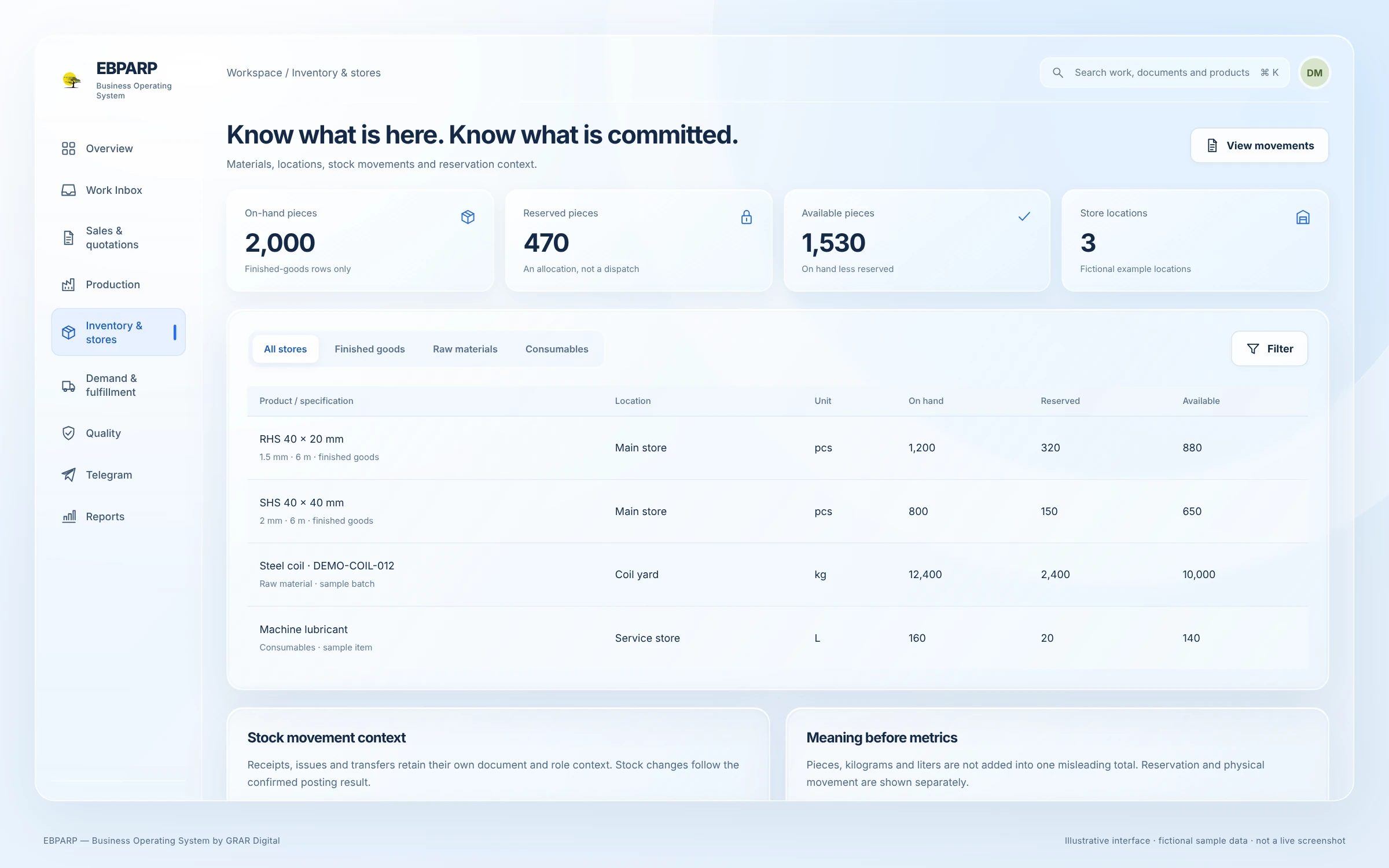
Inventory & stores
Manage material issues, goods receiving, stock posting, reservations and movement.
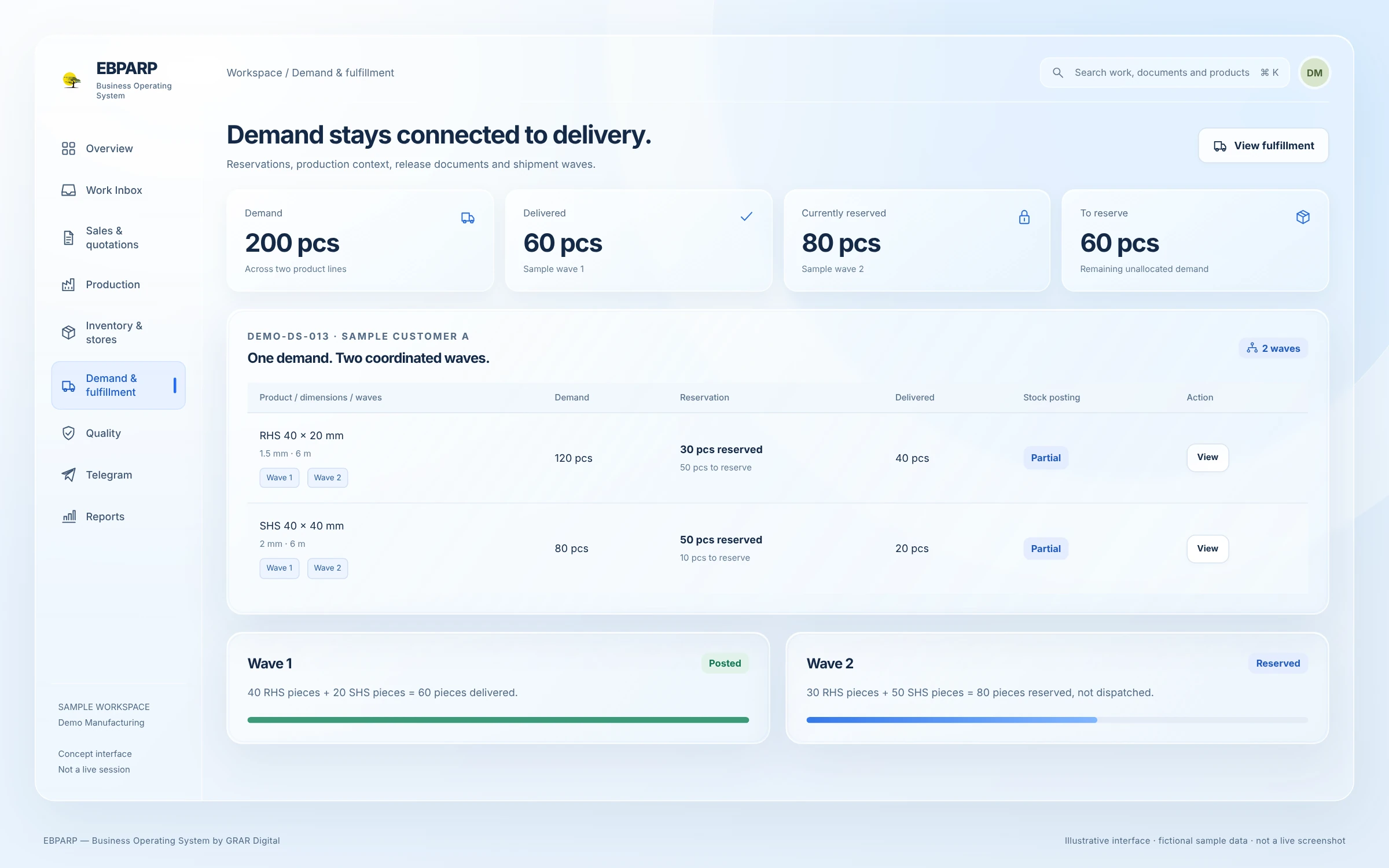
Demand & fulfillment
Connect customer demand, product-line allocation, waves and dispatch activities.
Workflows that follow the real business.
Create, review, approve, inspect and release through governed roles. The system carries the context; people retain accountable decisions.
Start the request or document.
Review details and conditions.
Apply authorized decisions.
Record evidence and results.
Confirm the downstream handoff.
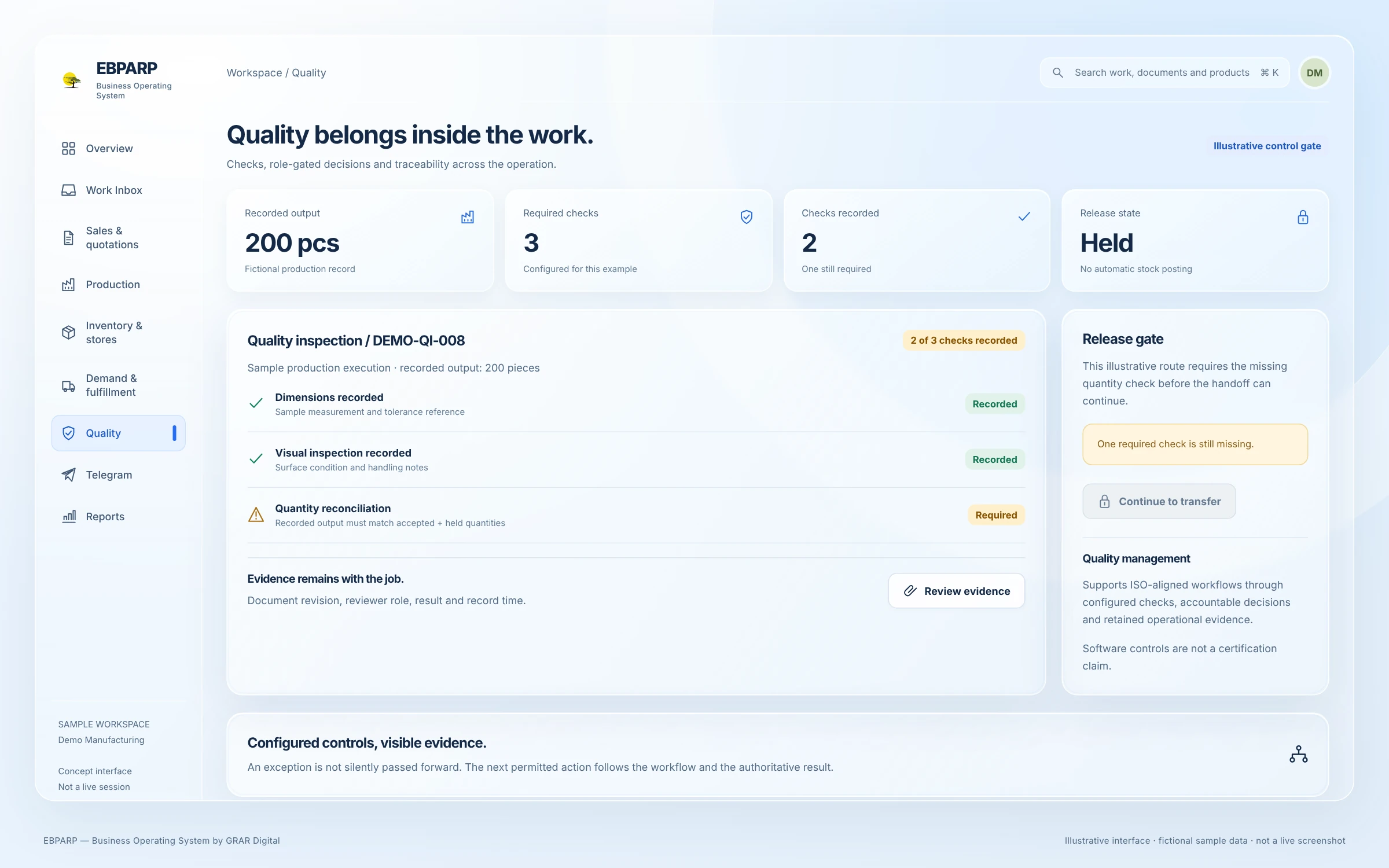
Quality is not an afterthought.
Support quality-management processes through recorded inspections, traceable evidence and controlled handoffs where the work happens.
Configured quality gates
Make required checks and eligibility visible at the correct stage.
Evidence that stays with the job
Connect quality results to materials, operations and business documents.
Accountable release decisions
Document roles, review outcomes and the next permitted action.
One job.
One clear action.
Touch-first screens for production teams and stores. A focused view sized for the work at hand, not a shrunken desktop dashboard.
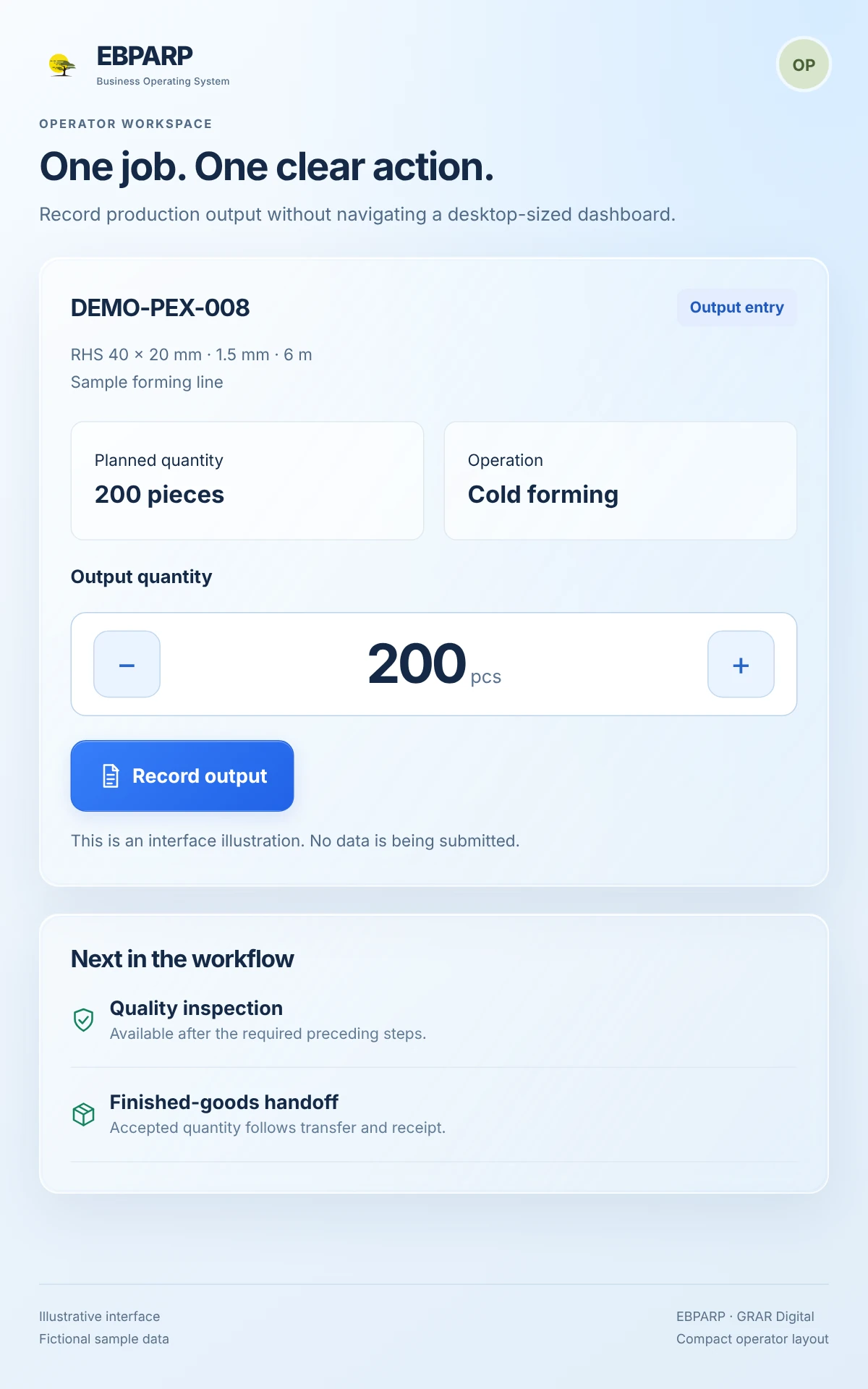
Record output
Keep the production order and recorded quantity together.
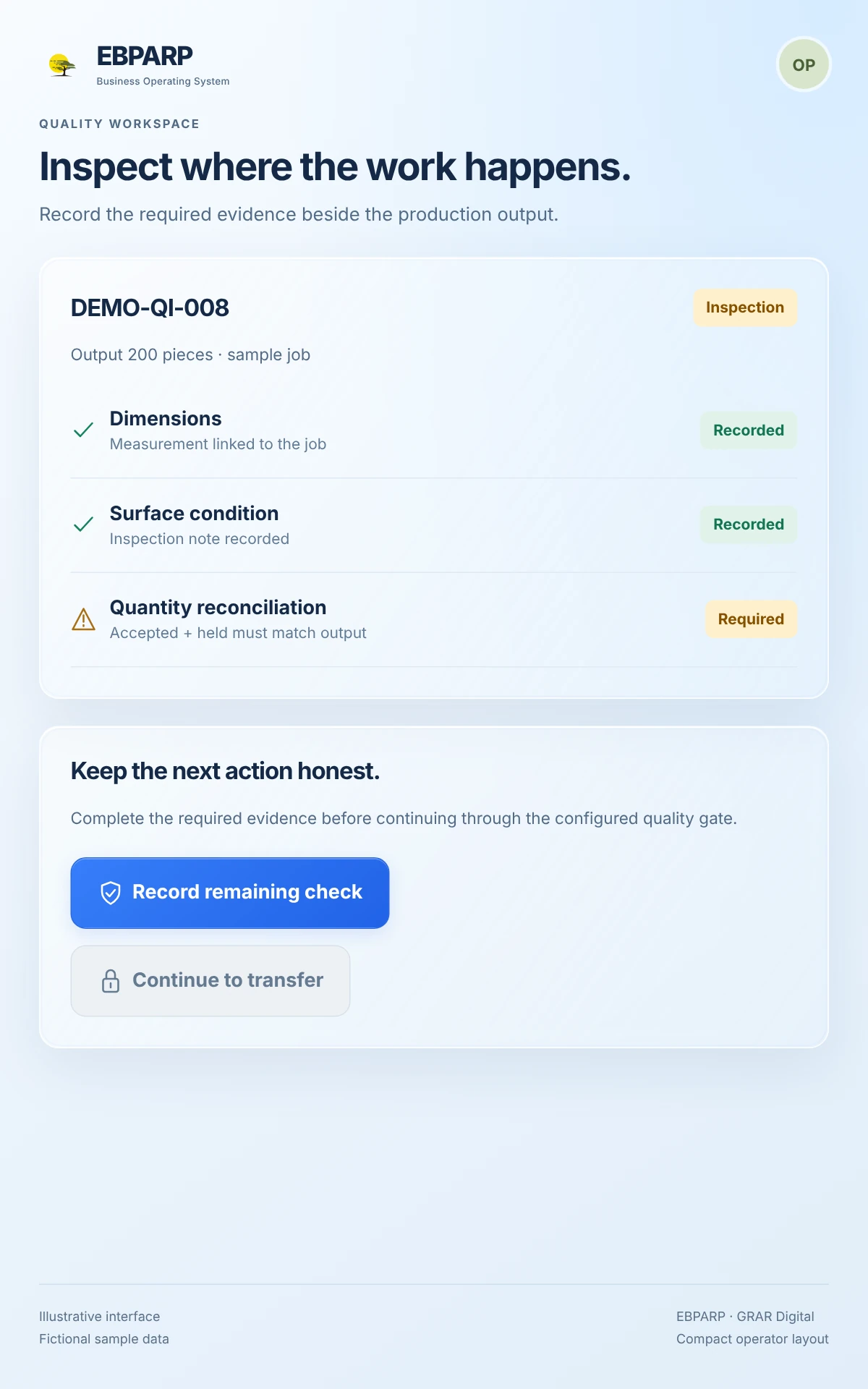
Capture inspection
Guide checks, notes and operational evidence.
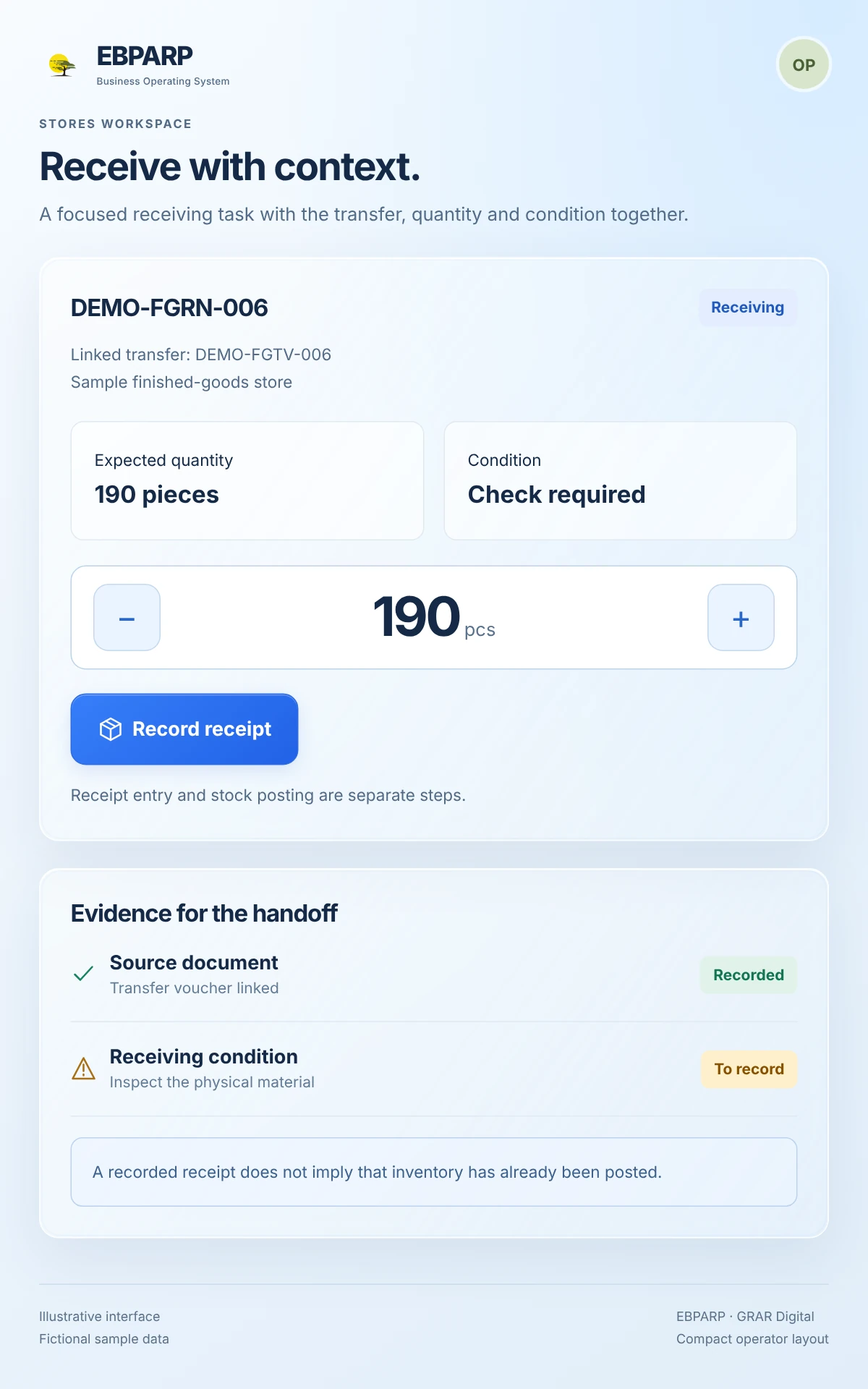
Receive & count goods
Record incoming and finished goods within the proper workflow.
Decisions can travel.
Authority stays put.
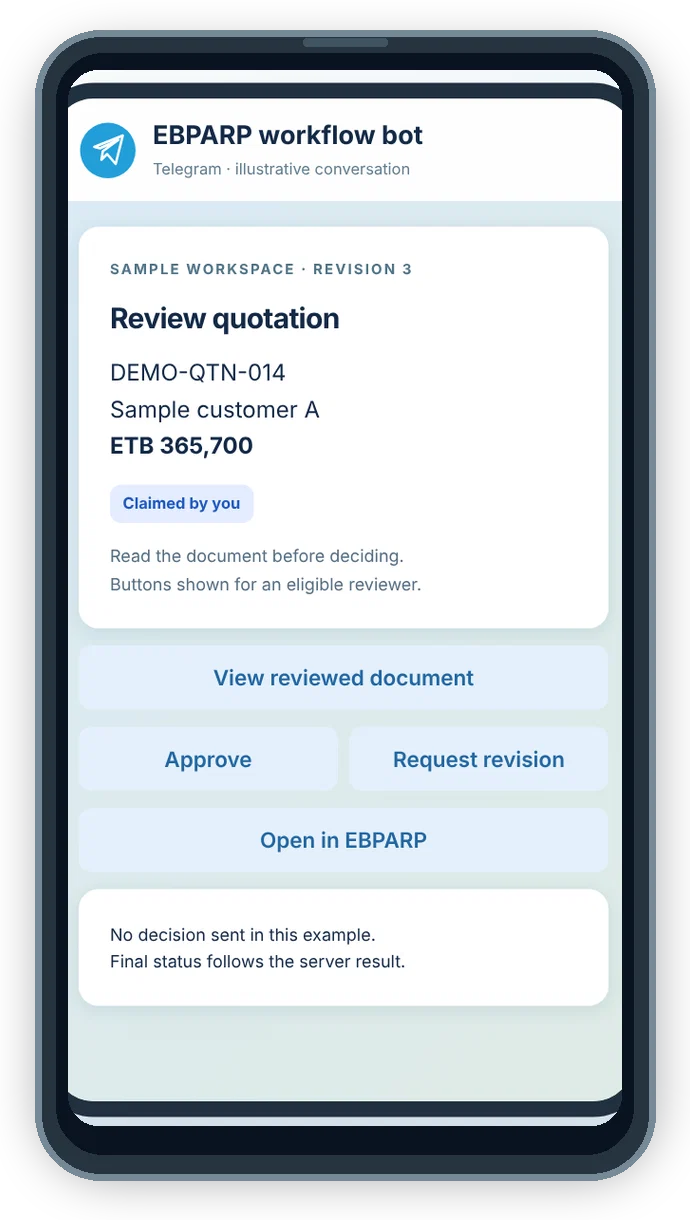
For enabled workflows, bring review context and permitted actions into Telegram while maintaining business ownership, identity and auditability inside EBPARP.
Connected processes.
Governed decisions.
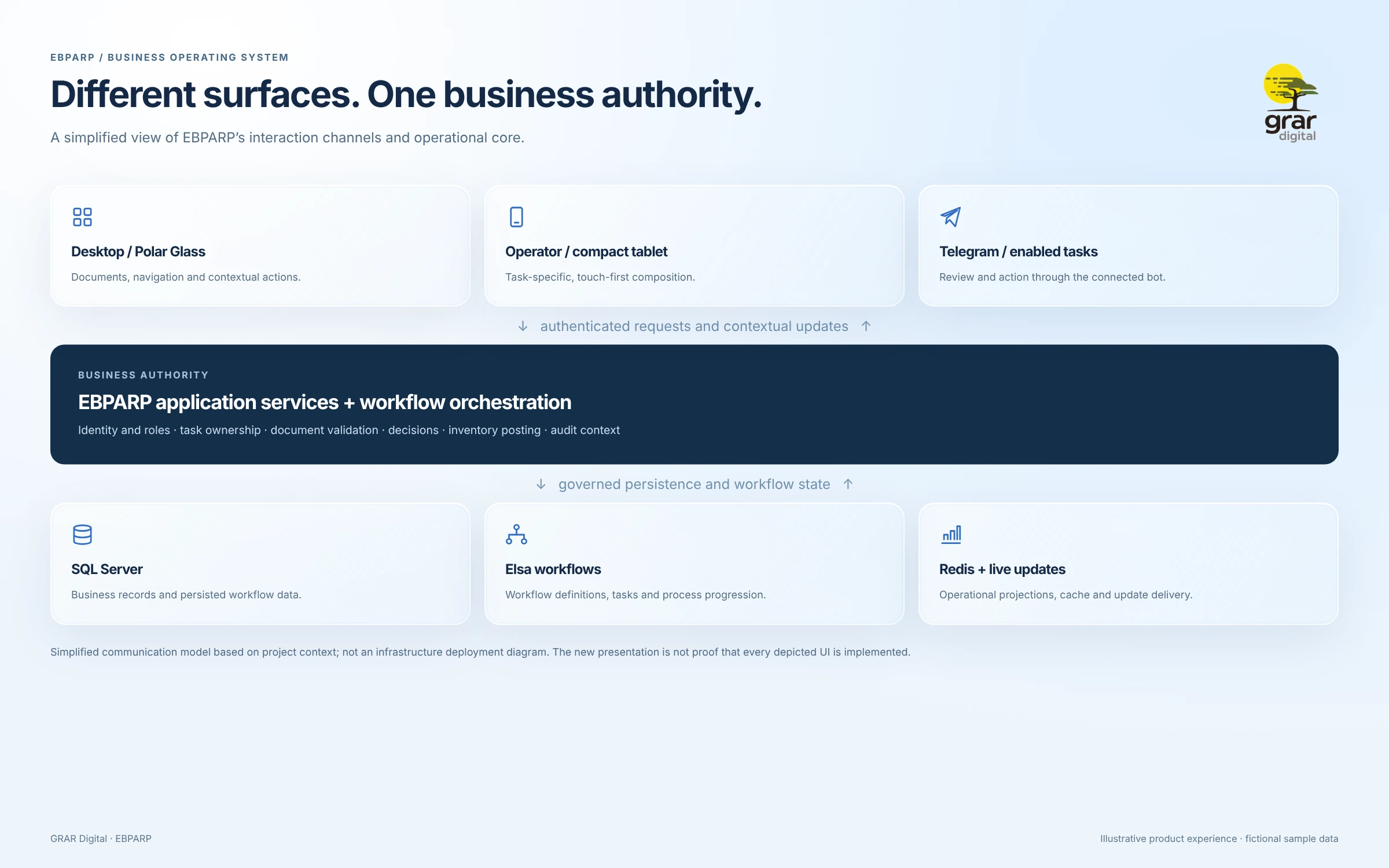
Application interfaces, workflow coordination, enterprise data and role-aware controls form a connected operating platform.
Questions about connected operations.
Business systems for teams in Ethiopia and internationally, built around people, processes and quality.
Which business processes does EBPARP connect?
EBPARP connects sales and quotations, production, inventory and stores, quality controls, and demand and fulfillment. Tasks, documents and decisions stay linked to their business context.
Which industries are covered?
The industry workflows cover steel and metal, trading and distribution, warehousing and logistics, and food processing and packaging. Workflows are configured around each operation’s procedures. Explore industry workflows.
How does Telegram-connected review work?
For enabled workflows, reviewers can see document context and permitted actions through Telegram. Authorization, task state and business records remain controlled by EBPARP.
How do we discuss our operation with GRAR Digital?
Start with the processes you want to connect, such as quotations, stock movements, production or quality checks. Contact GRAR Digital to discuss the work and where EBPARP might fit.
Let's connect your business.
Tell grar digital what you want your people and processes to achieve.

Business systems built around people, processes and quality.
WE DO WHAT MATTERS.